A medical device's label leaves the factory with a QR code. Whoever scans it expects to open the IFU for that product. Months later, someone reorganizes the site's document folder and renames the PDF. The label still points to the old URL, and that label can no longer be corrected: it's stuck on boxes traveling to hospitals and distributors' warehouses.
For a manufacturer, an IFU's URL is planned before it starts circulating outside the site, as part of the document's life cycle.
The public URL and the file are two different things
A PDF moves to another folder, gets a revision number added to its name, or is replaced by a new version. The same thing happens when the company changes platforms or web providers, something that comes around every few years in this industry. If the QR code carries the exact file path, each of those moves leaves the labels already printed with nowhere to go.
The solution is to give each IFU its own stable URL, one that doesn't end in .pdf, and put the corresponding file behind it. The document can move within the site; the URL the QR code knows doesn't change.
Nor is a redirect needed for each document. A single rule that resolves all IFU URLs is enough, and when a new one comes in, it follows the same pattern. That's how we set it up at SAI, an Argentine orthopedic manufacturer and distributor: a single rule for the IFU folder.
How to test a link that will live outside the website
A URL printed on a label is tested the way the person scanning the code will open it: with the exact URL encoded in the QR code and from a logged-out browser, which is how anyone who doesn't work at the company sees the site. What it delivers is compared with the original PDF.
At SAI, the first stage covered nine IFUs. On September 3, 2026, all nine URLs responded and delivered the same file as their direct PDF link.
It's worth keeping the URLs already in circulation listed in an inventory. None of them appears in the menu, so nobody sees them when the site is reviewed. When a migration changes folders or rules, the test is repeated on that list.
What has to appear when it opens
The minimum is the right document. But later on, the same URL can show a page with the device name, the IFU's identification, and a button to the PDF, without changing what's already printed. That's the advantage of having the QR code point to its own URL instead of the file: what's behind it can grow.
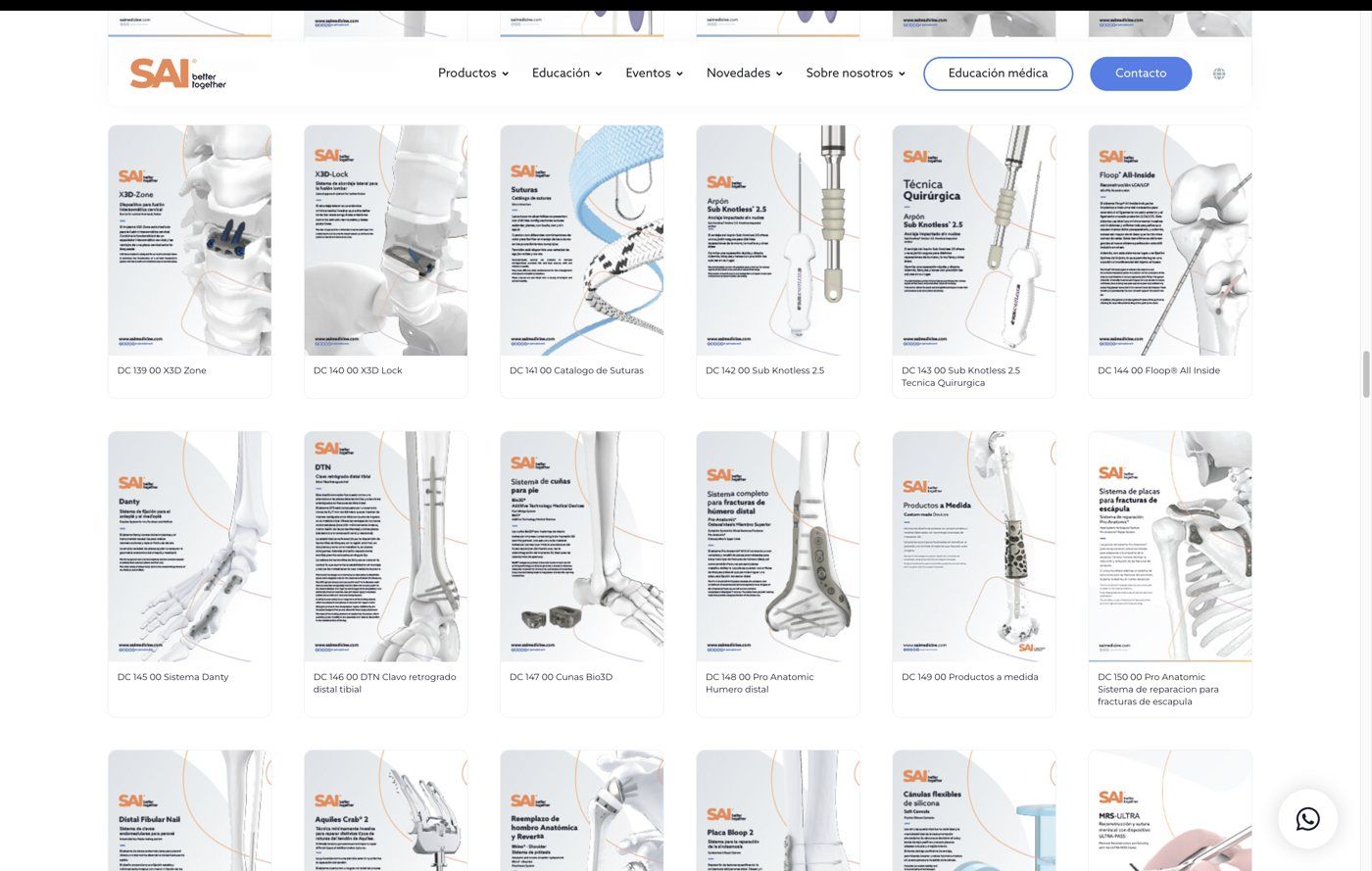
In a catalog where IFUs are linked to product pages, the registration number is what connects the two, because it's the data point that appears on both the label and the IFU. At SAI, the site search has been able to find a product by that number since September 2026.
A stable URL doesn't determine the revision
There's a question that comes up as soon as electronic IFUs are discussed: whether the QR code on a unit manufactured two years ago should open the IFU from that time or the current one. The stable URL doesn't answer it. Showing a revision based on the manufacturing date requires the data for each version and a path designed for that purpose, and the decision on which version applies belongs to the company.
What it does solve is the step before: that the entry point exists and keeps existing. Everything else can be built on that foundation.
As long as there are labels with those codes in circulation, every future change to the site has to respect those URLs, including the next redesign.
Services covered in this article