A new distal humerus plate joins the portfolio, and someone in Marketing has to upload it to the website. The menu has “Trauma,” “Spine,” and “Arthroscopy,” and under “Trauma” there's a list of product families set up years ago. The plate doesn't fit any of them, so a new category is created with a single product. It's the fourth time this has happened this year.
The signs that a company has outgrown its website show up in tasks like this, long before anyone asks for a redesign.
In the catalog
Every new product calls for a new category. When the classification is a tree of nested categories, every product that doesn't fit opens another branch. Over time, the menu ends up with branches holding a single product, and products that appear in two places with different data because someone entered them twice.
The catalog can only be browsed one way. A surgeon searches by anatomical region or procedure, someone from Purchasing pastes in a code, a distributor searches by brand. If the site only offers the tree of product families, it works for people who already know the product name. And if site search can't find a code that's printed on the label, the catalog depends on the memory of whoever entered it.
The PDF acts as the product page. The product page has a name, a photo, and a download button. Everything else (sizes, materials, codes, indications) is inside the PDF catalog. For the visitor, it's a standalone document, with none of the rest of the line alongside; for Google, it's the only place the text exists, which is why it often shows the file instead of the page (we measured this in When product pages start getting clicks from Google).
In the documents
Several versions of the same file are in circulation. A product line's catalog is on the website, on each sales rep's computer, and attached to emails from two years ago, and it isn't always the same one. When a customer asks for the surgical technique guide, someone looks for the latest version and sends it over WhatsApp, because it isn't on the website or nobody knows whether the one there is up to date.
The documentation is a list of downloads. Files appear in the order they were uploaded, with no connection to the products they describe. Finding a system's IFU requires knowing what the PDF is called.
The site in another language stops short of the catalog. The English version has the corporate page and the contact page, but the product pages are still in Spanish, or each country gets its own PDFs by email. For a company that exports, that leaves out the part of the catalog that travels the most.
On the team
Publishing means asking someone else. Uploading a product, replacing a document, or adding a course requires a request to the vendor or the developer, with the delay that comes with it. On the day a new system has to launch, its product page is waiting in someone else's task queue.
Nobody knows exactly what's there. There are PDFs uploaded by hand to server folders, pages that aren't in any menu, and old URLs that still get visits. Before changing anything, nobody can say for sure what will break.
What isn't a sign on its own
A slow site hasn't necessarily been outgrown. Sometimes the slowness comes from a poorly built catalog query, an old rule nobody reviewed, or the server cache, and it can be fixed without touching the structure. The same goes for a design that has aged: a site with a sound structure and a dated look needs something different from a polished site with its catalog in PDFs.
To tell these cases apart, an audit by page type helps: the home page, a category, a product page, the library, a course, the contact page, each one in both languages if there are two. On a catalog site, pages behave according to their template, so a well-chosen sample covers the whole site. The audit shows whether the problem is in the structure, the platform, or performance, and each one calls for different work.
What it looked like in one case
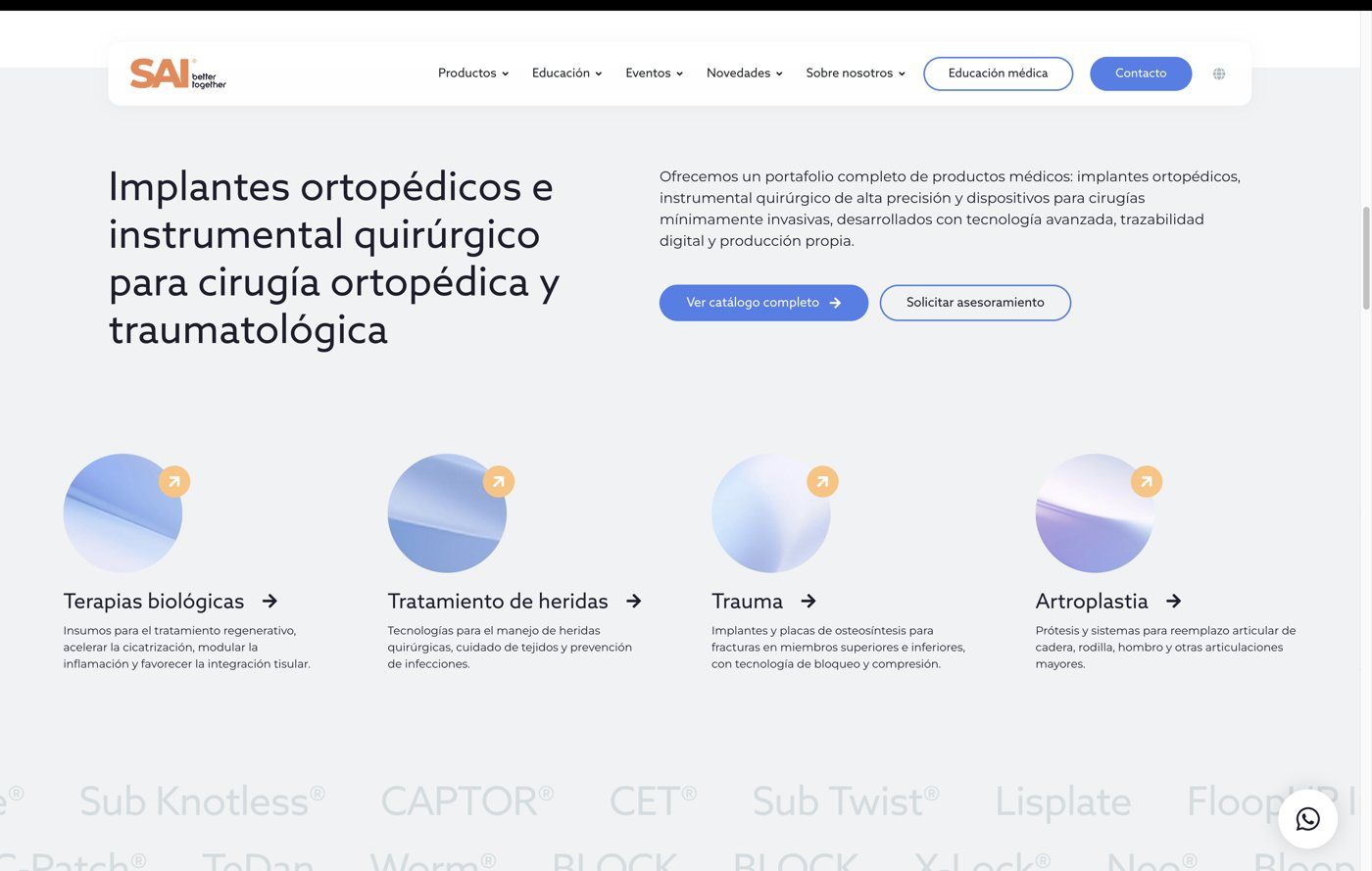
At SAI, an Argentine orthopedic manufacturer and distributor, the request came in as “revamp the website.” We opened the catalog before any mockup. A surgeon searching for “retrograde tibial nail” landed on a PDF, without the rest of the line or the IFU alongside; to find a code or compare two sizes, they called. And on the other end, someone on the Sales team looked for the right file among four versions and sent it by email.
The work started with those scenes, before thinking about how the site would look: they described a portfolio that had grown faster than the structure supporting it.
Services covered in this article