Services › Web design and development
A digital structure ready to grow with the company.
We design and develop websites for medical device companies where products, documentation, training, and content need to live together within a single structure.
Why web design and development?
The website is where everything the company does has to start connecting.
A product can have a technical data sheet, an IFU, a surgical technique, a presentation, a course, and several commercial codes. It can also belong to a family, be used in certain procedures, and be available in more than one market.
When each thing lives on its own, finding information depends on knowing in advance where it was stored.
The website can support a different logic: a healthcare professional can arrive through a procedure, a distributor can search by code, a surgical technique can lead to the product it describes, and documentation can be updated without rebuilding the page.
That's why design comes after a more important decision: what exists and how it needs to connect.
Real content changes the shape of the page.
The approach
Strategy, content, design, and development along the same path.
A decision made at the start should carry all the way through to the site.
If during discovery we find that a product needs to connect with procedures, documents, and courses, that connection has to show up later in the architecture, in the interface, and in the way the content is managed.
Connected disciplines.
Keeping the disciplines connected prevents the project from fragmenting into a sitemap, copy, design, and development that solve different problems.
Design with real content.
It also makes it possible to design with real content. A product page with two data points needs one structure. A product page with 40 fields, document versions, related products, and translations needs another.
First we write what needs to be said. Then we design where it goes.
Several ways to start, one system.
Content architecture
We define the content types, their fields, and the relationships between them before thinking about how they're displayed.
Learn about the serviceUX/UI design
We turn that structure into paths, pages, and components designed around the content that will actually live there.
Learn about the serviceWebsite development
We build websites the team can manage so adding a product, replacing a document, or publishing an update becomes part of everyday operations.
Learn about the serviceLanding pages
Dedicated pages for a product, a launch, an event, or an initiative, with their own structure and measurement in place from day one.
Learn about the serviceAI prototyping
When an idea still needs to be discussed, a clickable interface makes it possible to make decisions much faster than a list of requirements.
Learn about the service Content architectureWe define the content types, their fields, and the relationships between them before thinking about how they're displayed.
 UX/UI designWe turn that structure into paths, pages, and components designed around the content that will actually live there.
 Website developmentWe build websites the team can manage so adding a product, replacing a document, or publishing an update becomes part of everyday operations.
 Landing pagesDedicated pages for a product, a launch, an event, or an initiative, with their own structure and measurement in place from day one.
 AI prototypingWhen an idea still needs to be discussed, a clickable interface makes it possible to make decisions much faster than a list of requirements.
How it's built
The structure is tested before it becomes an interface.
Content and context
We gather information about the current site, products, documents, content, the needs of different teams, and any structure that already works.
Whatever is missing gets flagged. Anything that needs a medical, technical, or regulatory decision goes back to the corresponding team.
Content model
We define what types of information exist and how they relate.
Before designing filters, we need to know what will be filtered. Before designing a product page, we need to know what information it can contain.
Experience and interface
The architecture becomes navigation, wireframes when needed, components, and visual design.
We work with real content as early as possible to check whether the system can handle the material it has to display.
Development
We build the templates, fields, relationships, site search, filters, forms, and integrations that are needed.
The goal is for the logic defined in the earlier stages to really exist in the product, not just in the design.
Validation
We test the site the way a real person will use it: logged out, in the right languages, on different devices, and navigating specific products, documents, and searches.
The client's teams validate what they're responsible for.
Putting it to use
After launch, signals appear that didn't exist before.
What people search for. Which documents get downloaded. Which paths work. What the team needs to update most often.
That information informs the site's next stage.
Work · SAI
Five ways to search. One catalog structure.
In a catalog of nearly 270 products, navigation couldn't depend only on the trade name or the internal category.
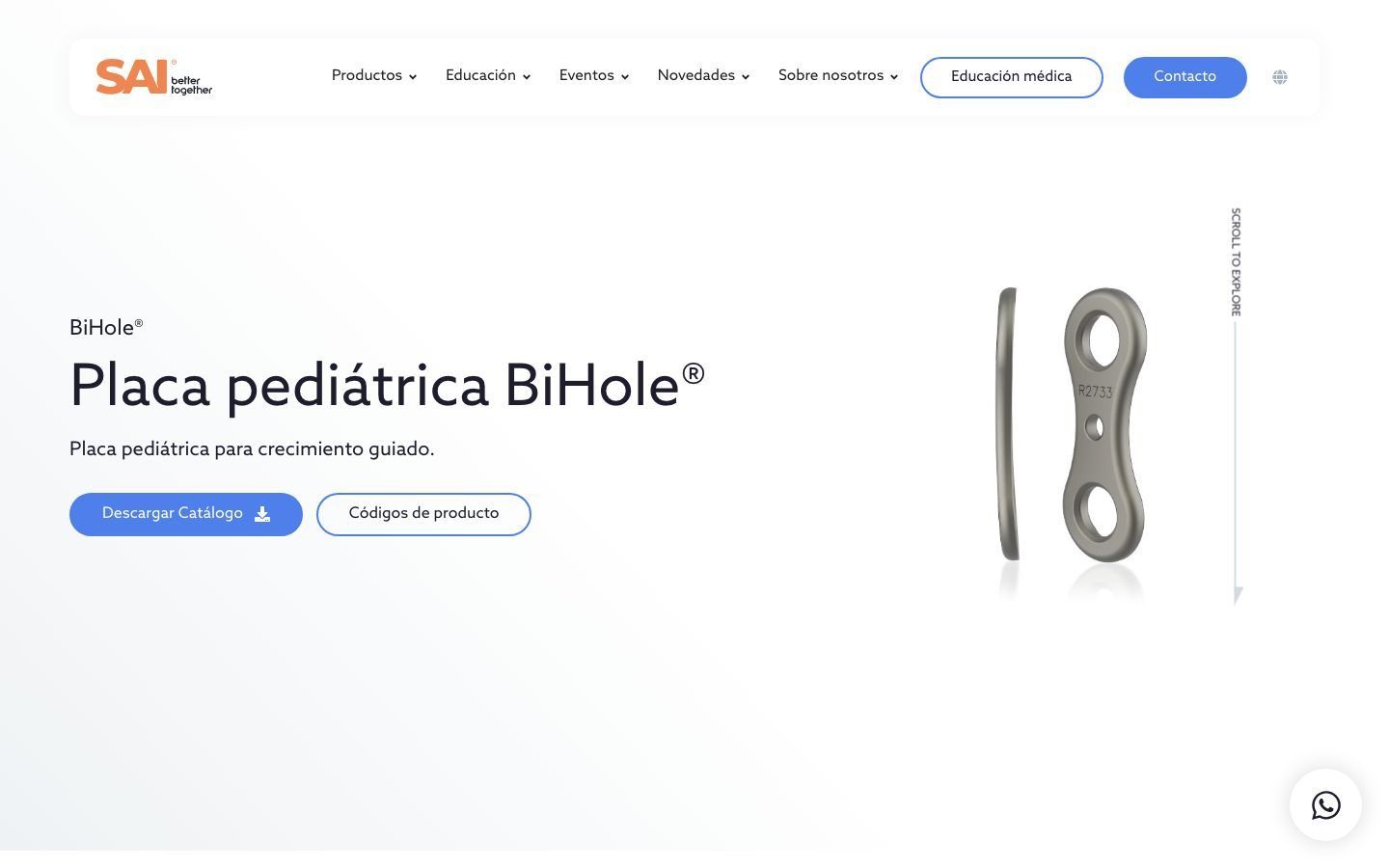

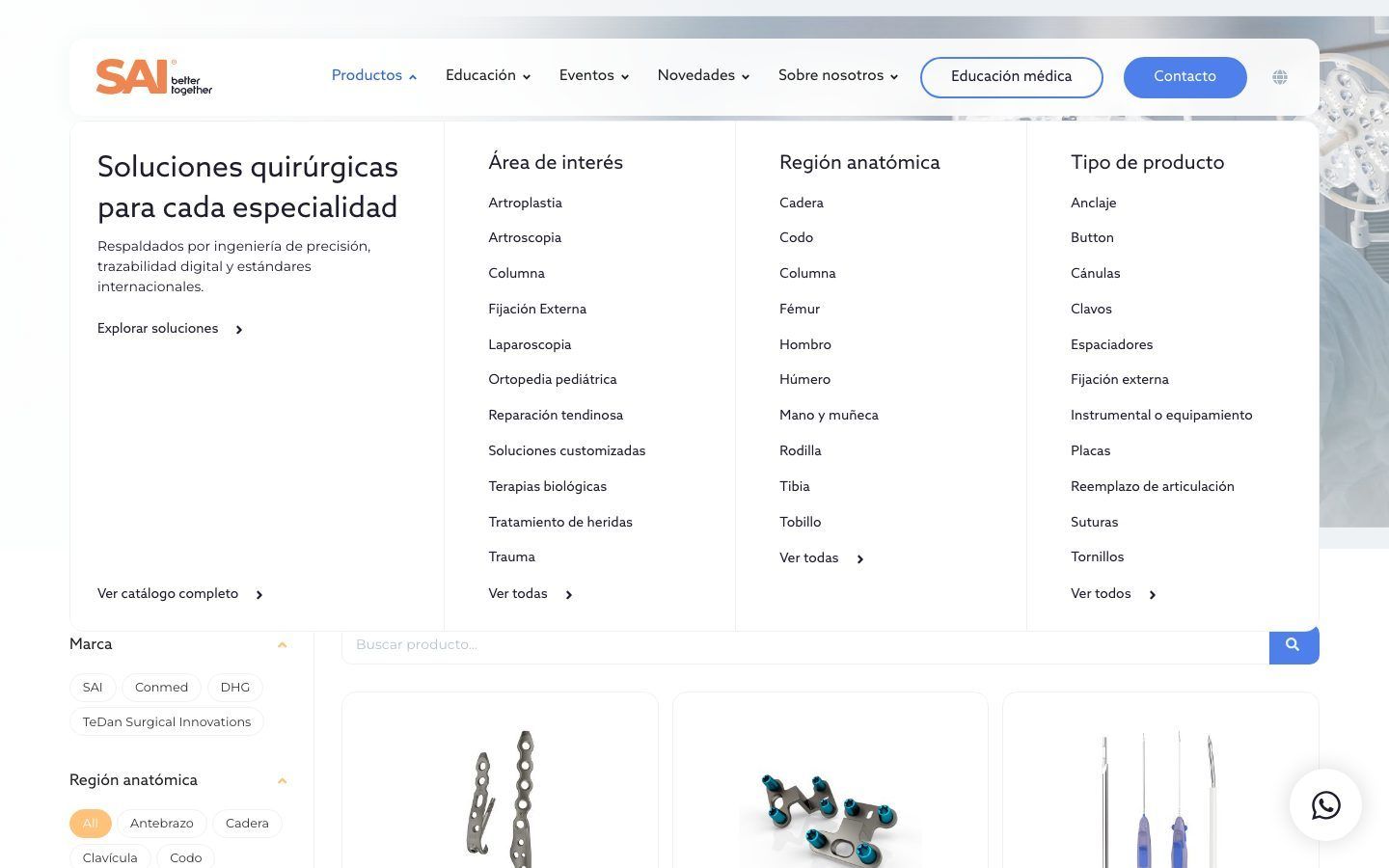
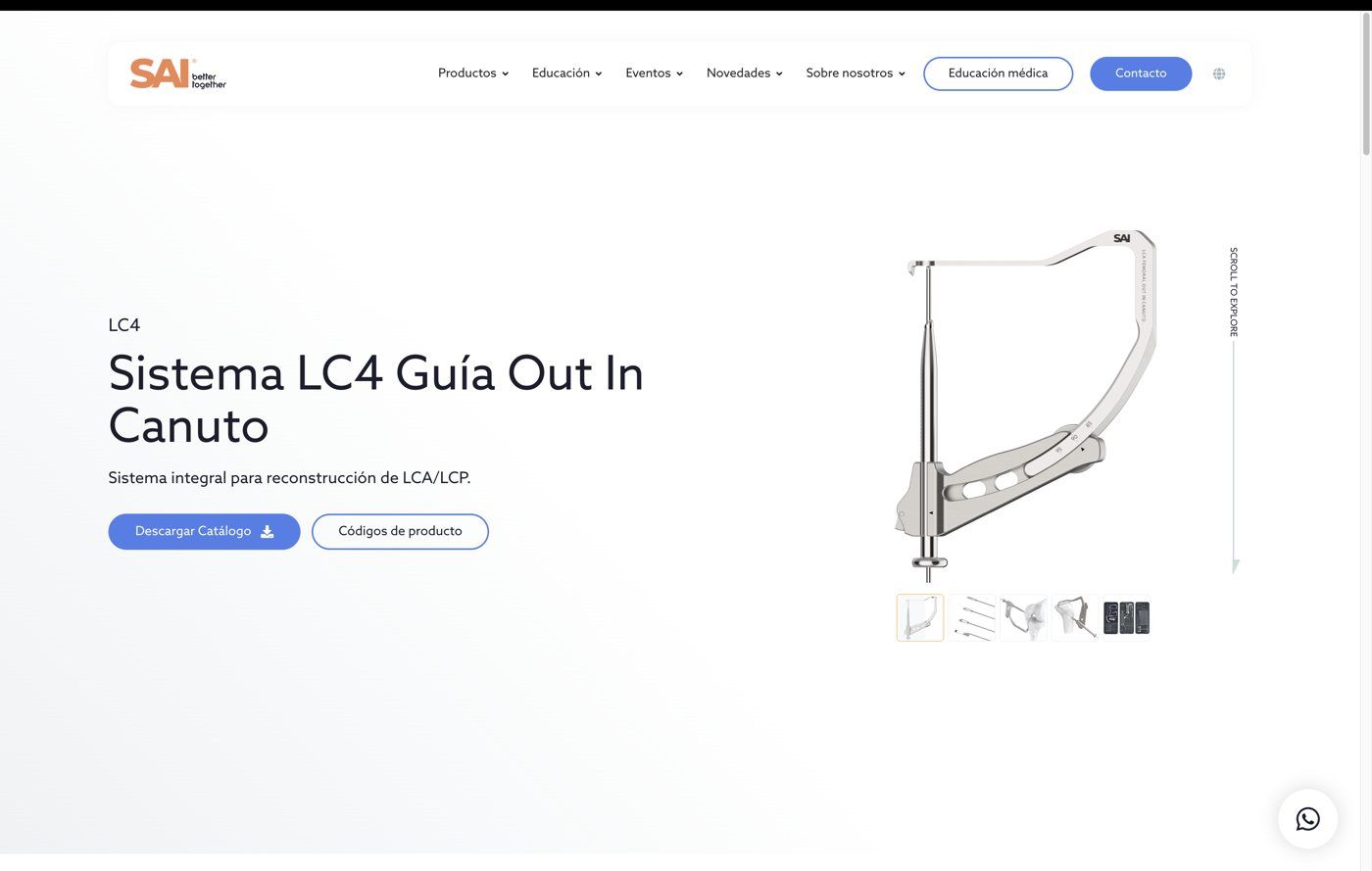
The work doesn't end with the visitor's experience.
A website is also designed for the person who will maintain it.
Someone is going to add the next product, replace a PDF, publish a course, add a language, or correct a specification.
That's why development decisions also take the admin side into account: understandable fields, stable templates, reusable relationships, and enough documentation for the team to keep working.
When needed, the handover includes training on the tasks that will actually be carried out.
Ideas
Some decisions behind a website that has to last.
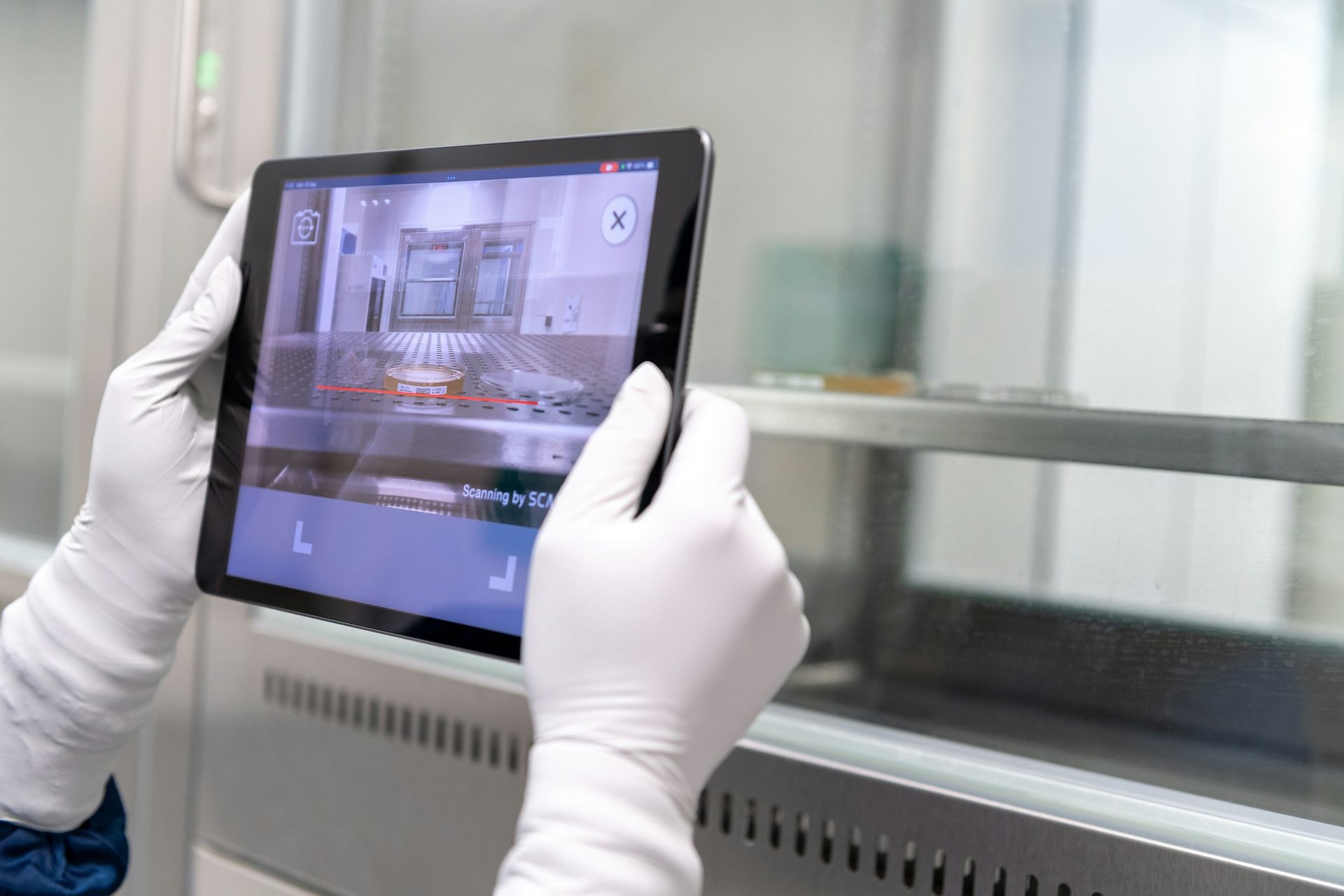
The QR code is already printed: what happens to the IFU's URL
An IFU printed on a label needs a URL that keeps working when the website changes.
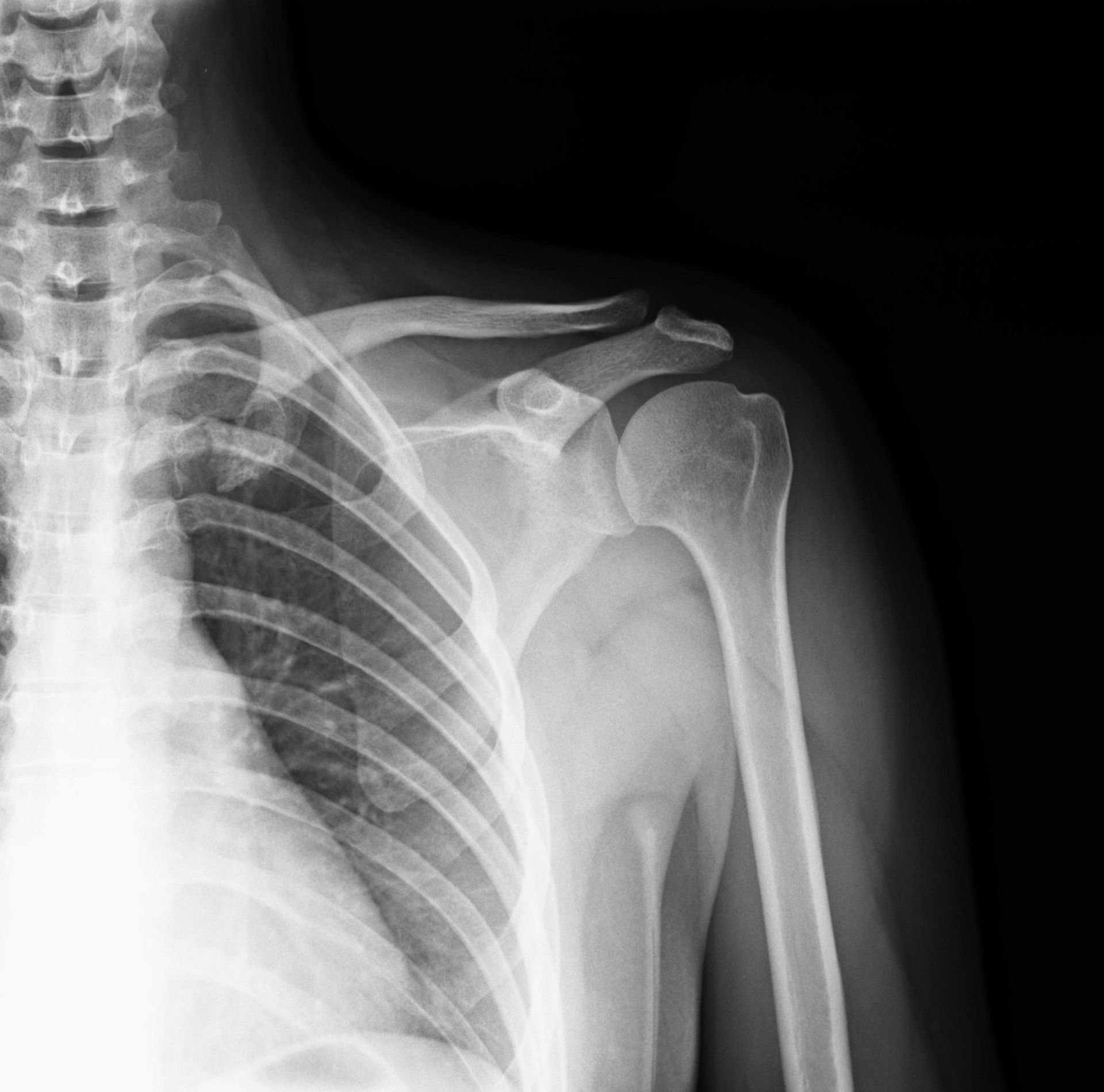
How to find an implant by anatomical region when the brand isn't known
People search an implant catalog by region, procedure, code, or registration number. Every entry point has to lead to the same product page.
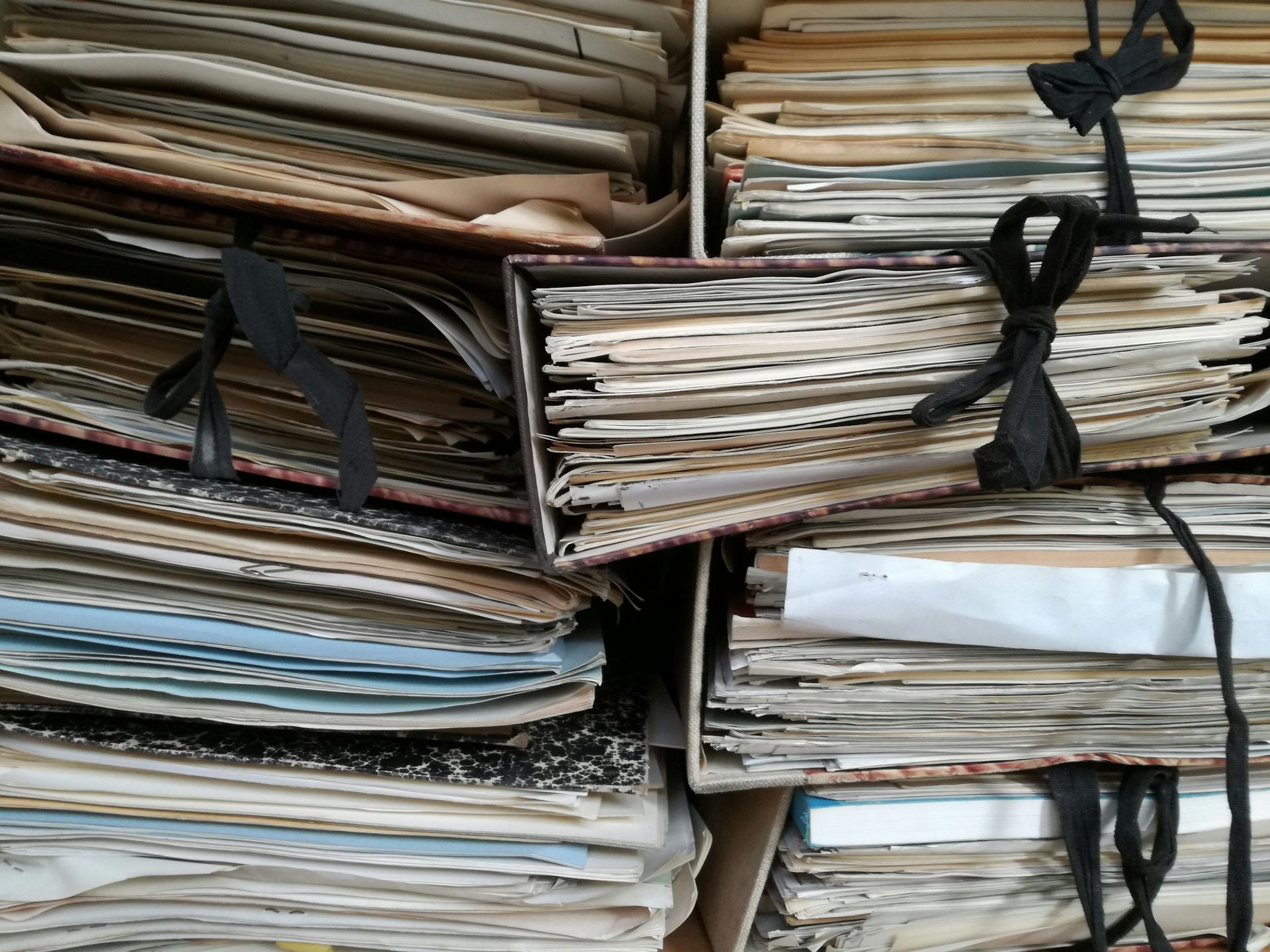
Signs the website has been outgrown
A medical device company can outgrow its website long before anyone says “we need a new website.” The signs show up in the catalog, the documents, and who can publish.
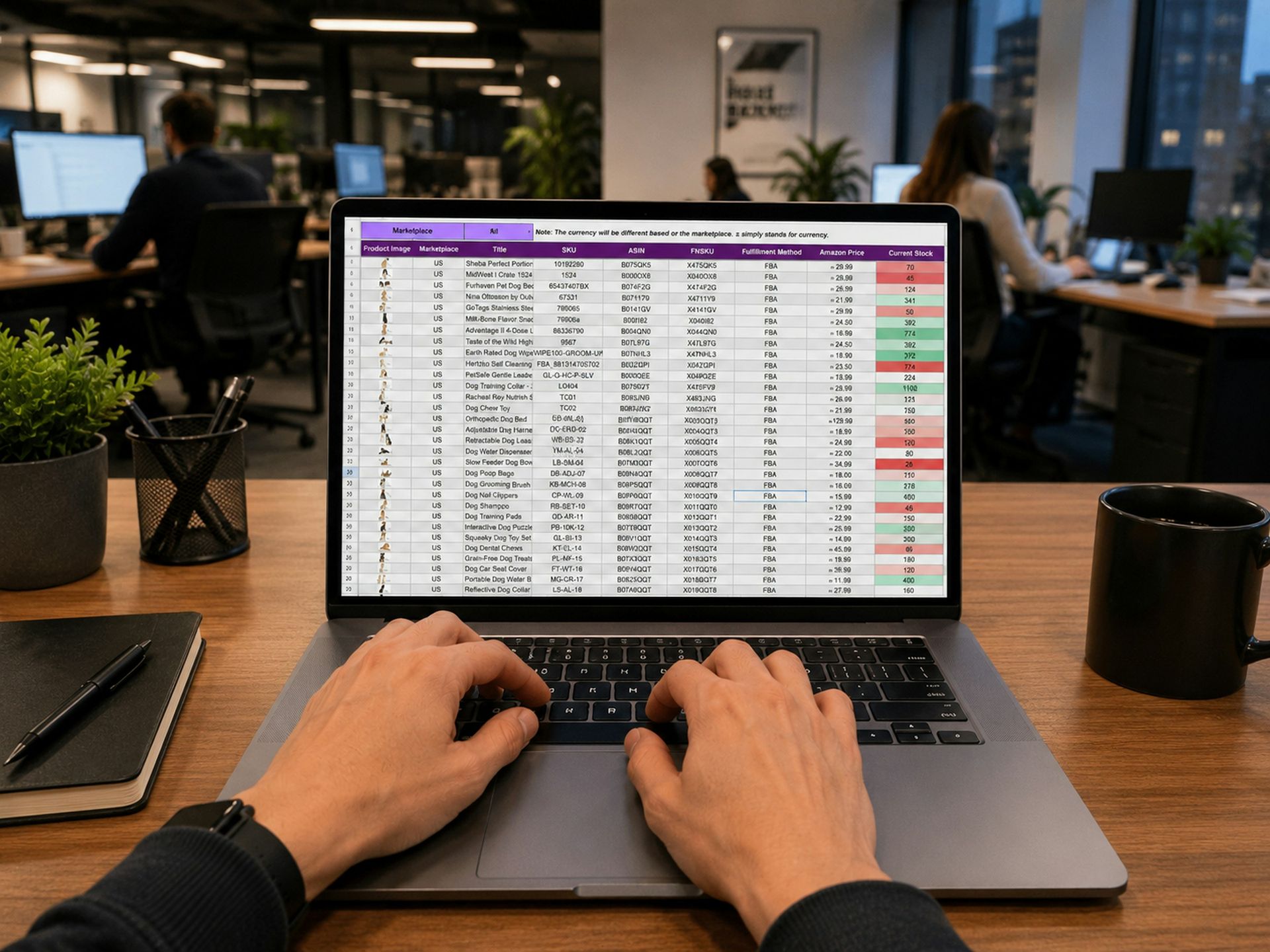
Migrating the website without losing rankings: redirects, PDFs, and URLs
Before changing a medical device company's website, we need to know which URLs get visits, where each one goes, and what gets tested on the day of the switch. Catalog PDFs are often among the most searched.

Why a catalog with filters gets slow, and how to fix it
An implant catalog filtered by region, procedure, and brand can take several seconds after each click, and the slowdown may not be noticeable from the office. What causes it, explained without code, and how to verify the fix.
Own products and distributed brands in the same catalog
When a company manufactures some of what it sells and distributes the rest, the catalog has to make clear which brand each product belongs to without splitting into two websites.

A bilingual medical website also has to translate its relationships
In a bilingual medical catalog, every piece of copy can be well translated and the paths between languages can still fail. The pace of the project is set by medical validation.