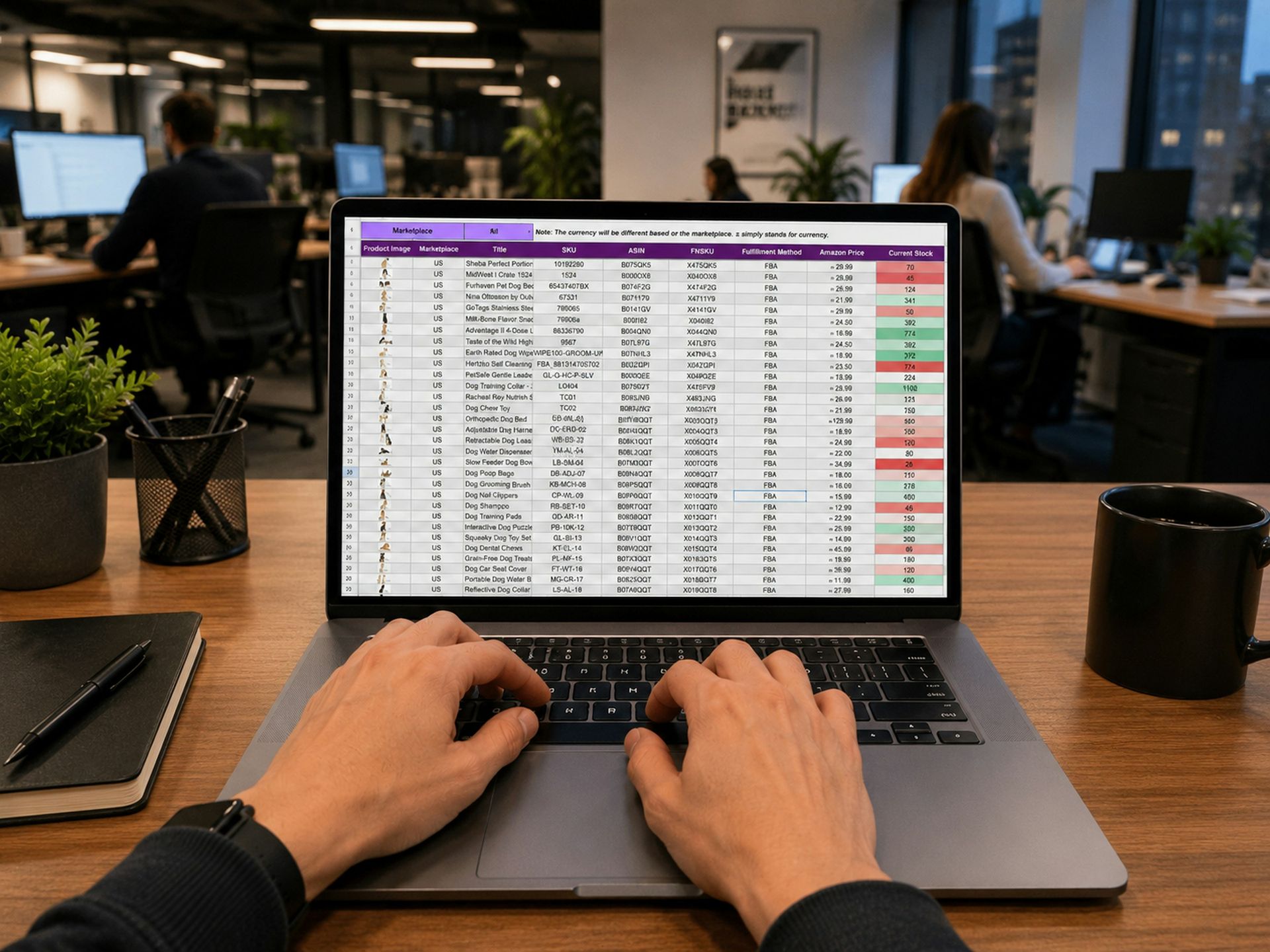
In the maintenance spreadsheet for a manufacturer's website, one line comes up month after month: “product uploads.” It looks like the obvious candidate for automation. Someone pictures a form where Engineering fills in the data and the product page publishes itself. But opening the requests one by one reveals something else: a code that changed, a corrected size, a catalog released in a new revision, English copy that wasn't updated when the Spanish was edited. Very few were new products.
The name of a task can be misleading
That's exactly what happened at SAI. Most of what had been logged as product uploads turned out to be corrections to product pages that were already published. What was needed was a bulk editor; another uploader would have solved a problem the team no longer had. New products already had their own workflow: a bilingual template that Engineering fills in and a validation step before publishing.
An uploader and a bulk editor do different jobs. The uploader creates product pages from a template. The editor finds the product pages that have something in common, for example all the products in a family or all the ones that link to the same PDF, applies the same change to all of them, and shows how each one will look before publishing. In a catalog of hundreds of products, with documents that go through new revisions and a version in another language, the second tool is the one used every week.
The other lines in the spreadsheet get the same treatment: open the actual requests and look at what they ask for. A task name describes how someone grouped the work on the day they wrote it down.
Automate the checks first
The safest tasks to start with are the ones that read the site and flag issues without changing anything. On a medical device website, several recur, and they're the kind a person ends up doing poorly out of fatigue. Checking that URLs respond and that redirects reach their destination, especially those for IFUs already printed on a label. Detecting documents linked from a product page that no longer open. Finding Spanish product pages with no counterpart in the other language, or with a code that ended up different between the two versions. Listing plugin versions and flagging when an update is pending.
A report like this doesn't publish anything. It tells the team where to look.
Anything that changes the site follows rules
Once a tool changes things, the rules matter more than the tool. We use only a few. If there's no recent backup, the run is read-only. One change is applied at a time, with checks running in between. If a check changes status, the run stops. And when in doubt, it pauses, because a false alarm costs a minute and a false “all clear” can end with the site down.
Product pages have one more limit. A complete field doesn't mean the data is correct: a product page with every field filled in can link to the surgical technique guide for a different implant. The tool can point out a mismatch between the product page and the brochure, along with the field and the document involved. The company's technical team confirms which value is the right one.
Every task ends with a test on the public site
An automated tool can report that it's finished without anything having changed in what a visitor sees. In WordPress this happens often, because logged-in users are served pages without the cache everyone else gets. The final test is done from the outside, logged out: search for a product by code, apply a filter, open the document on the product page, and repeat the same steps in the other language.
The same applies to performance. When SAI's filtered catalog went from 2.6 seconds to 0.18 seconds on August 27, 2026, the figure that mattered was the one measured from the page as a regular visitor receives it.
Each intervention is logged as a sequence: how things were, what was changed, how it was tested, and what the test showed. That log is what makes it possible, a few months later, to open the maintenance spreadsheet and see which tasks keep coming up and which have already been resolved.
Services covered in this article